
Add a privacy curtain to your mobile screen
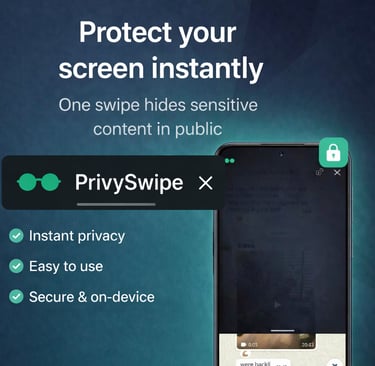
Instantly hide your mobile screen from prying eyes – with one simple swipe.


Android only • Lightweight • No account needed
Our Features
Privacy tools designed to keep your screen safe and discreet.
Protect your conversations
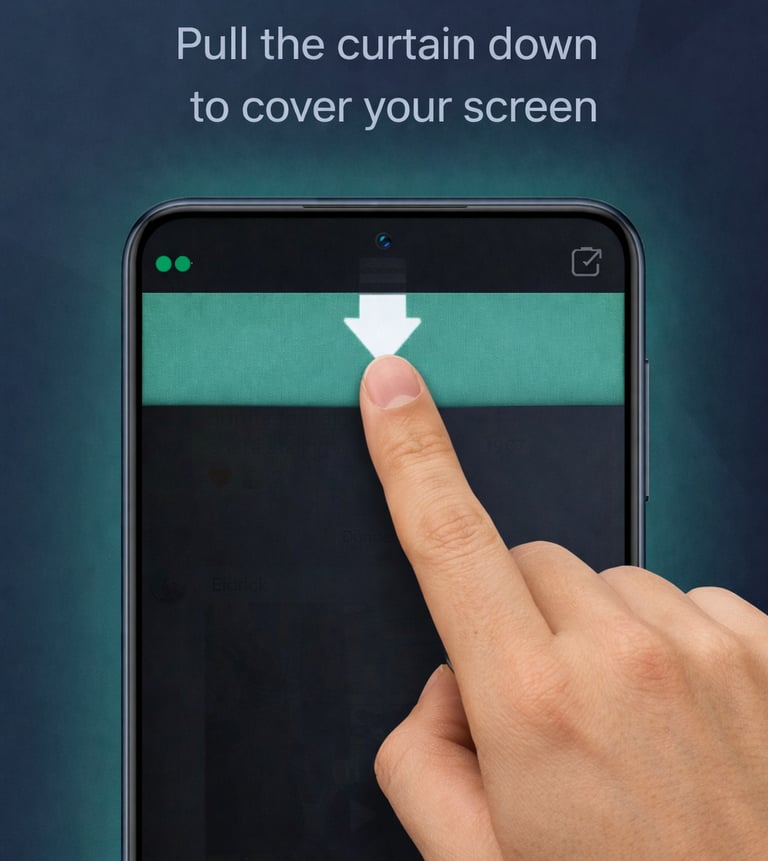
Stop people from reading over your shoulder. Easily hide your content. With a simple swipe-based slider.


User friendly features
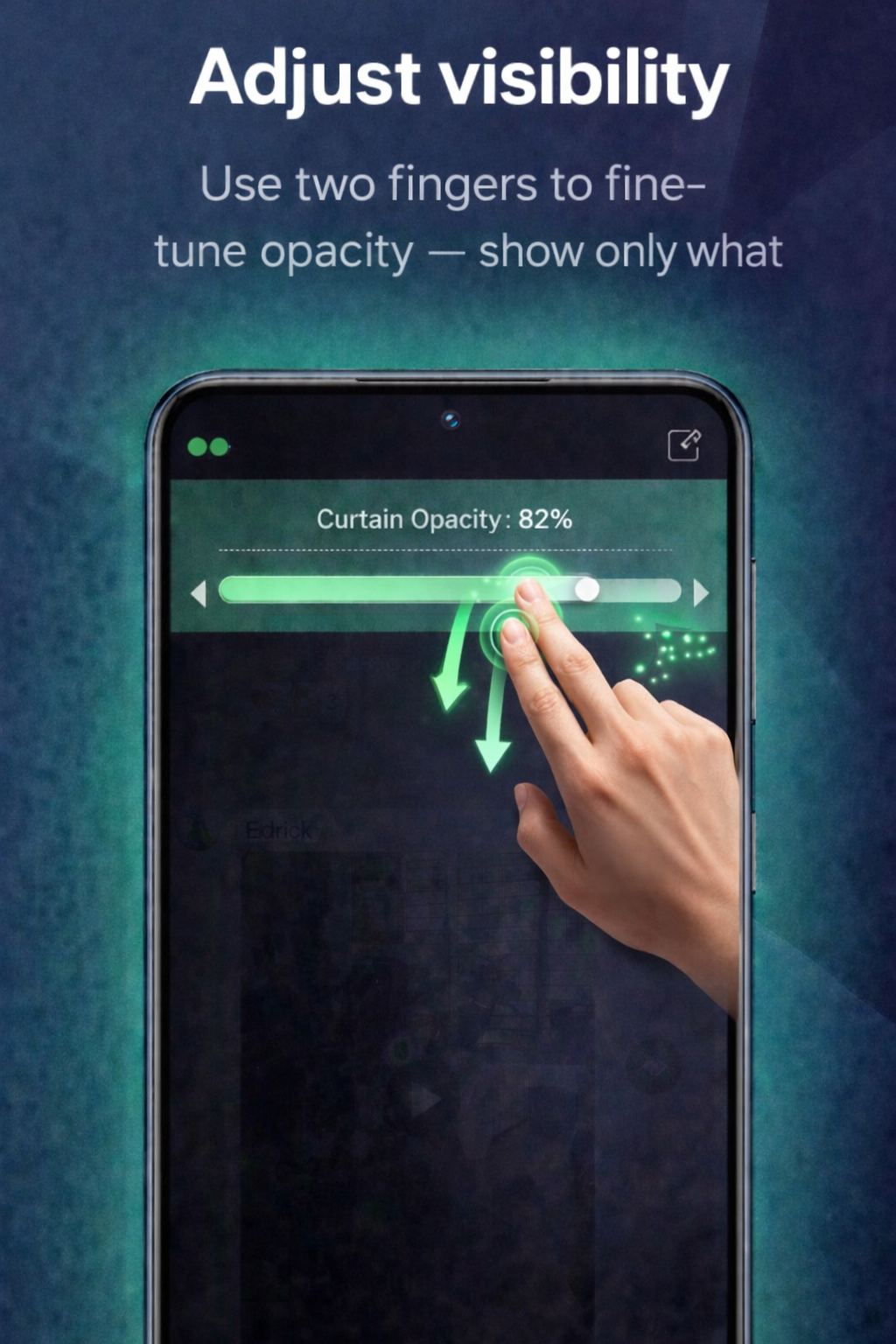
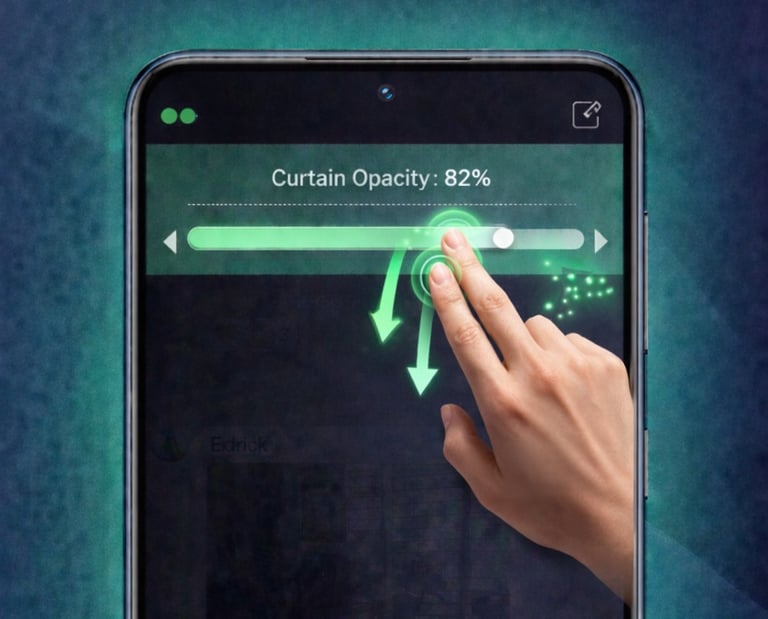
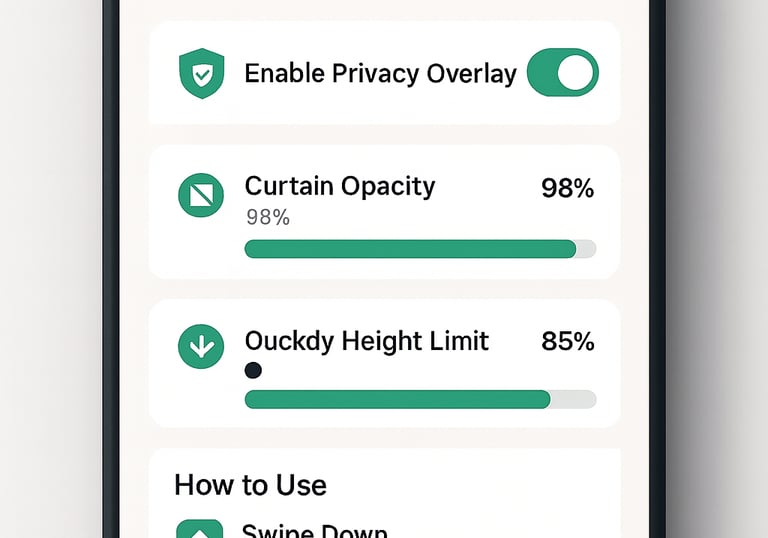
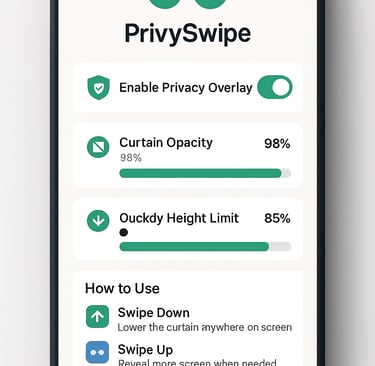
Easy 1-finger or 2-finger swipe to move the curtain or change the opacity
Tiny app, no signup, no data collection – just a smart privacy layer on top of your screen.
Fast & lightweight
Privacy
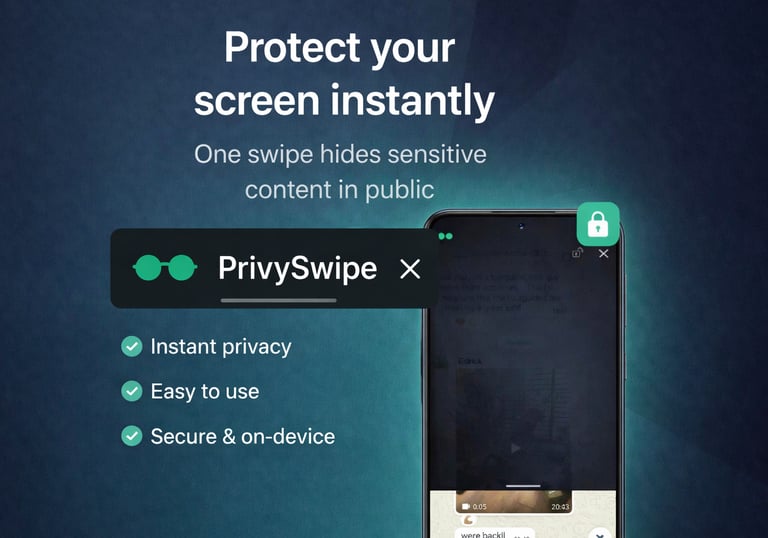
Shield your chats from prying eyes effortlessly.

FAQs
How do I enable?
Open the app, turn on the overlay, and allow it to appear over other apps.
How to swipe curtain?
Swipe with one finger to move the curtain up or down smoothly.
Change opacity how?
Use two fingers to swipe up or down to adjust the curtain’s opacity level easily.
Can I disable it?
Yes, simply turn off the overlay in the app to remove the curtain.
Is permission required?
Yes, you need to grant permission for the overlay feature to function.
Does it work on all apps?
Privyswipe works over most apps once permission is granted and the overlay is enabled.
Stay in the loop
Sign up to get launch updates
Contact Privyswipe Team
Have questions or feedback? Reach out and we'll get back to you promptly.
E
info@uvsolutions.nl
Privacy
Your Privacy Screen protector with Privyswipe.
Contact
© 2025. All rights reserved.